
ReeveMods

A graphics overhaul for GTA III

GTA III, on a modern renderer.

The original game from 2001 - same executable, same map, same missions - drawn through DirectX 11 with real light, real shadows, a moving sea and a living sky.

First release. In active development - not a final version, features are still being improved and added.

DirectX 11replaces the game's DirectX 8 renderer
Game files untouchednothing original is overwritten, remove it any time
Nothing bakedcomputed live from the game's own data
F11 paneltune or switch off every effect while you play
Mod off / mod on

The same street, the same game

Drag the line. On the left, Liberty City as it has looked since 2001. On the right, the same game drawn by ImmersiveIII.

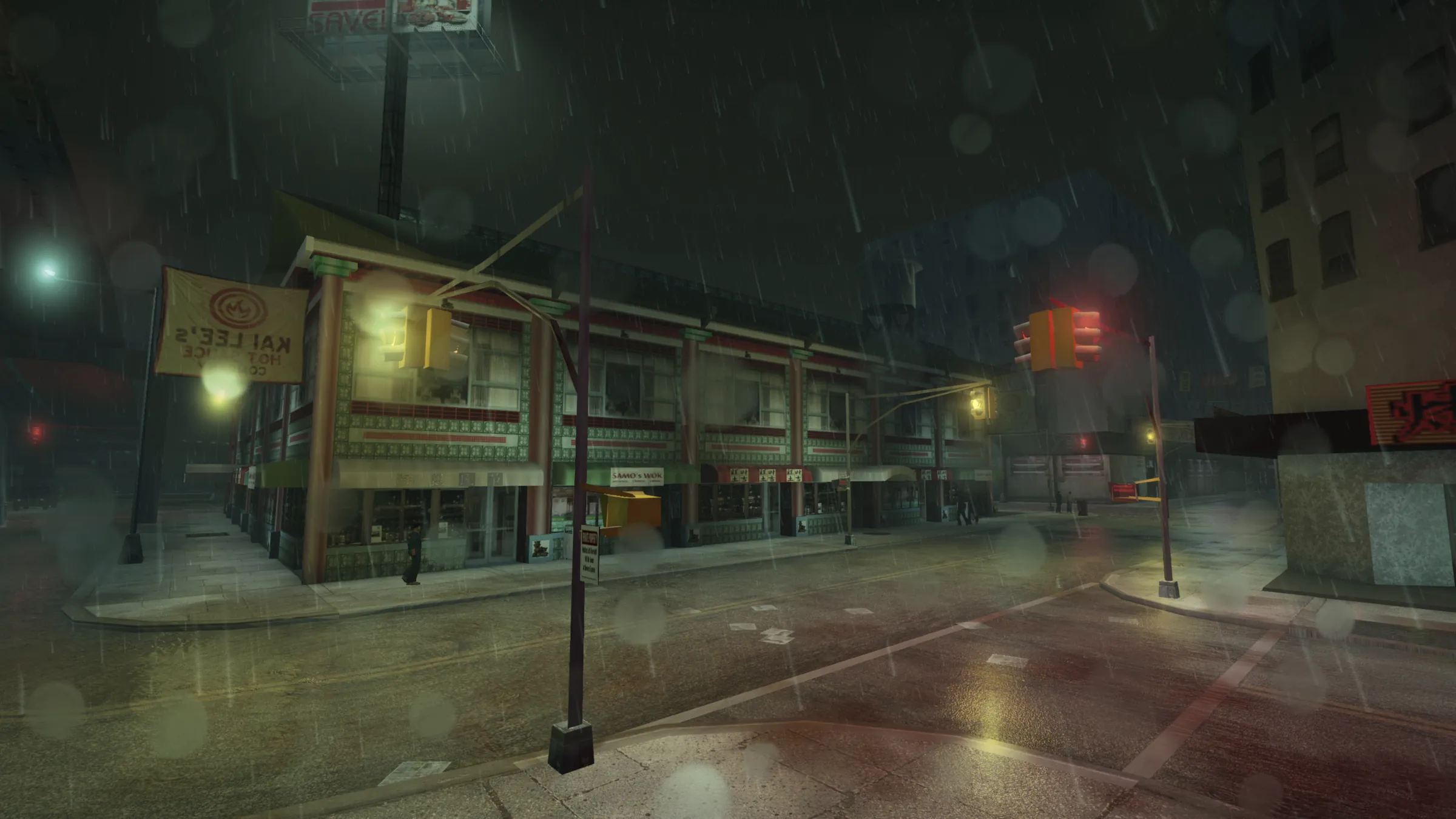
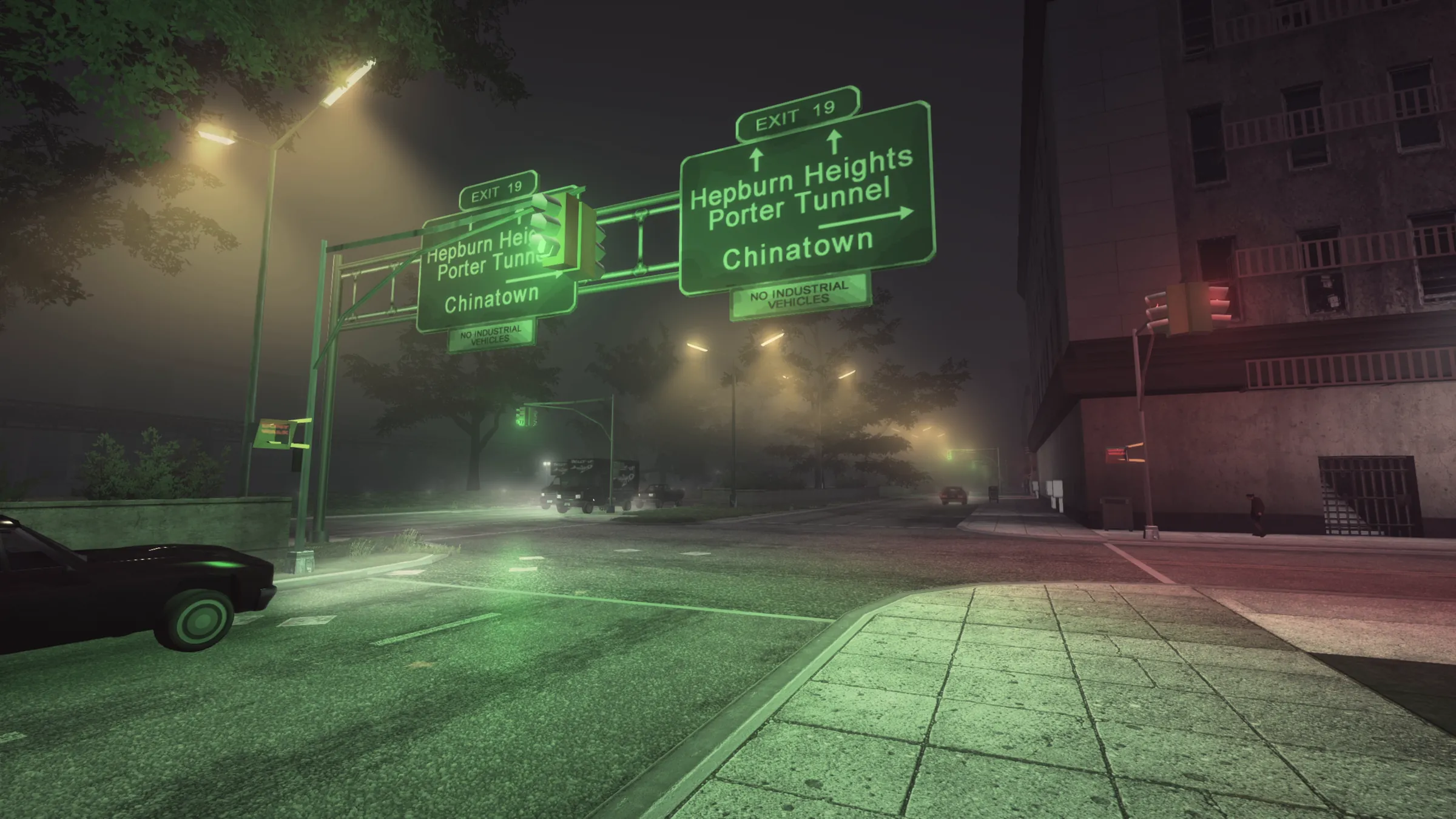
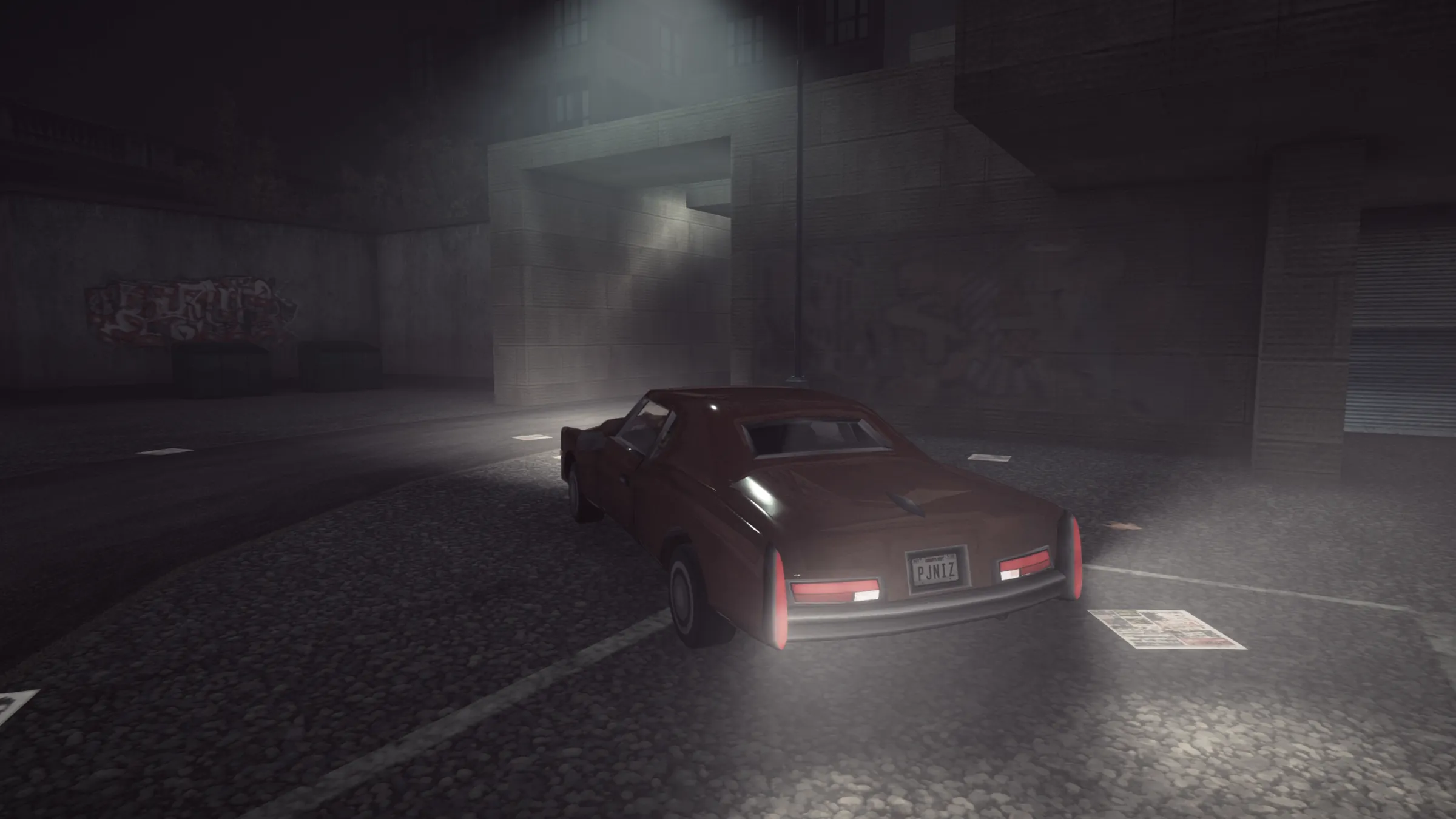
Chinatown at night, in the rain
Original game ImmersiveIII
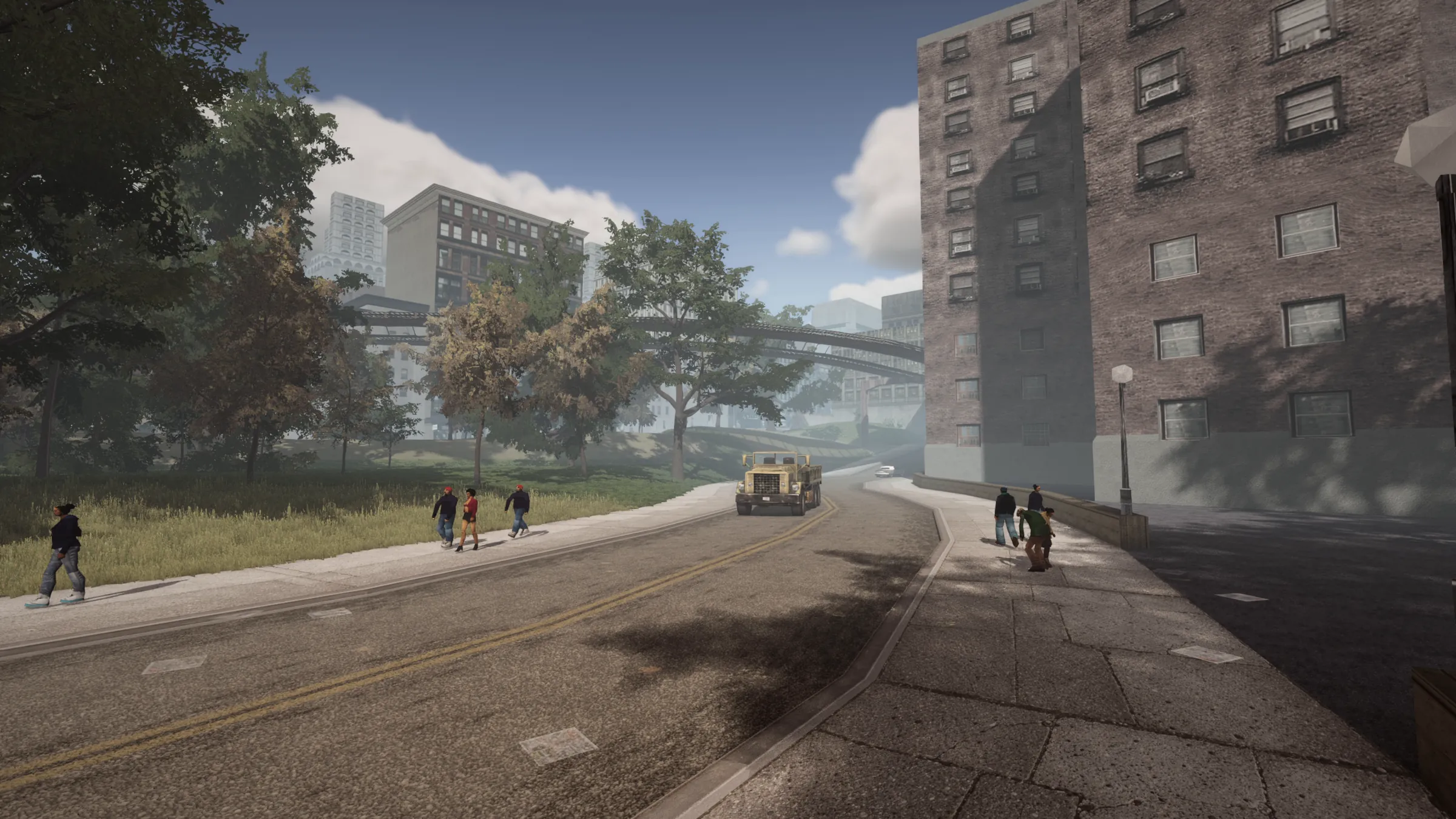
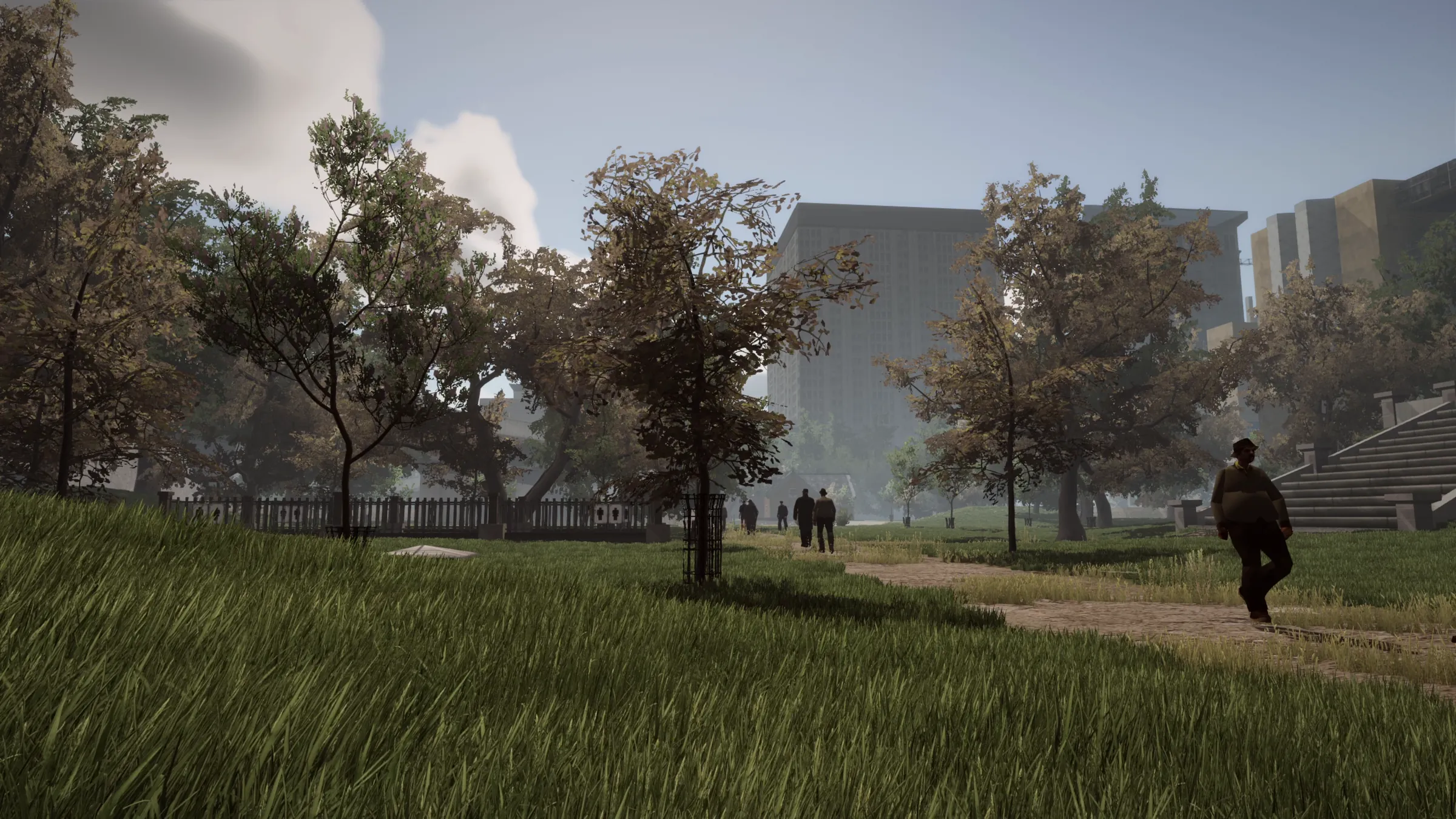
Portland by day
Original game ImmersiveIII
A foggy night
Original game ImmersiveIII
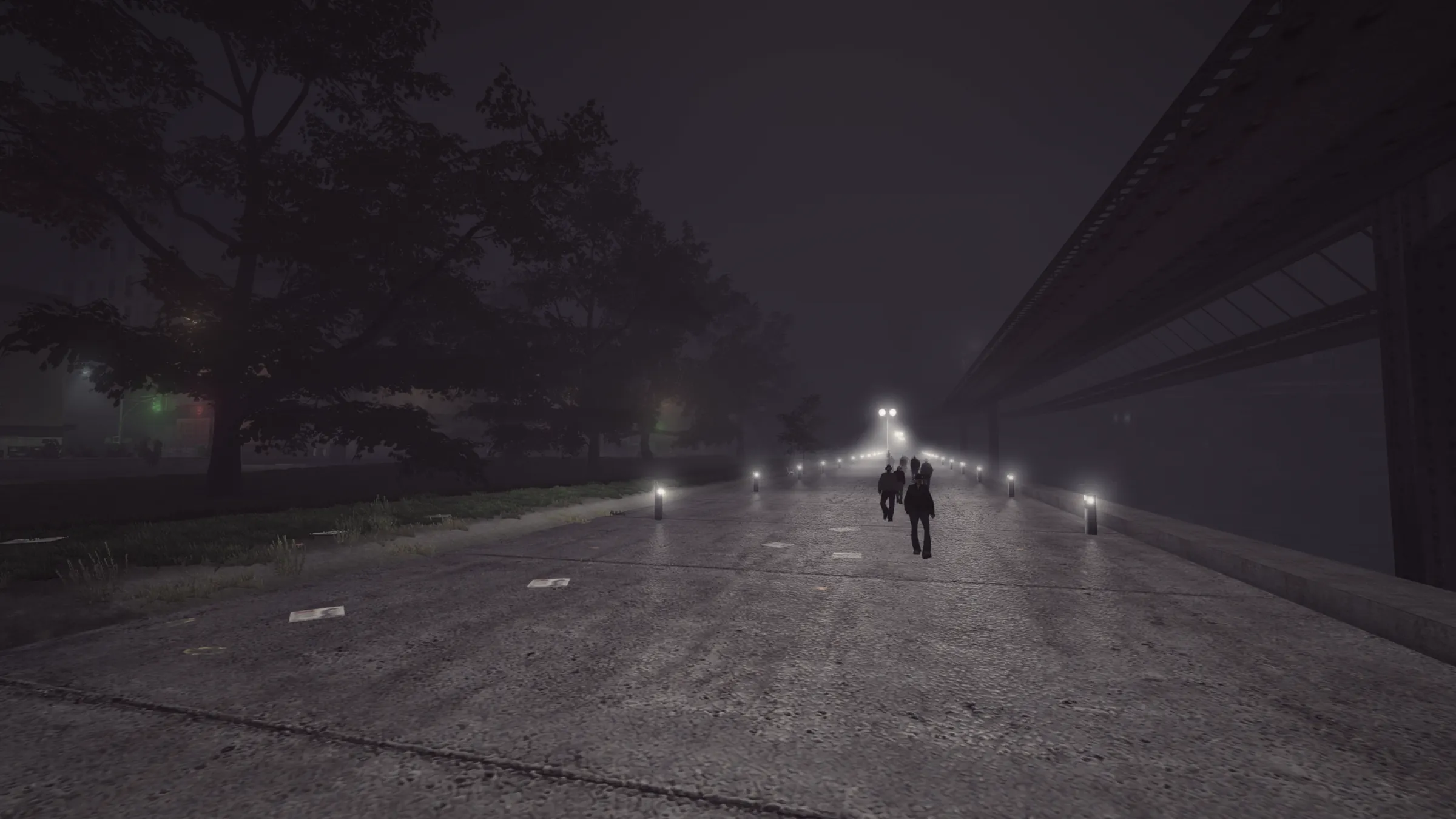
The riverside walk at night
Original game ImmersiveIII
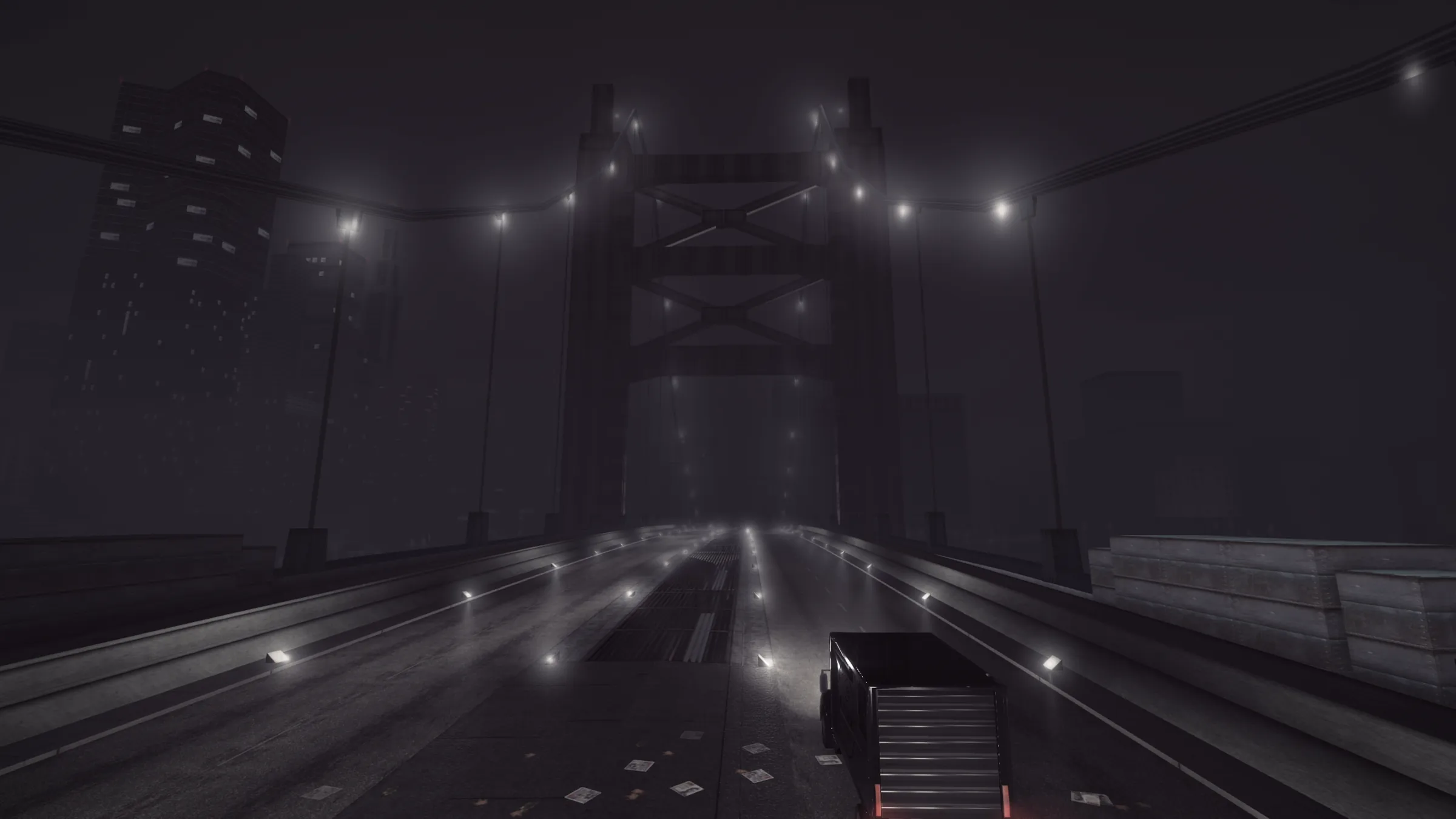
Callahan Bridge in the fog
Original game ImmersiveIII

Each pair is recorded from the same spot. The right side shows ImmersiveIII with all its content installed.

The renderer

A new renderer for a 2001 game

An HDR pipeline with tone mapping, bloom, motion blur and colour grading - tuned for GTA III's muted, raw colours.

Light and shadow

  • A new lighting model: sun, sky and lamps add up properly instead of darkening the picture
  • Cascaded sun and moon shadows with a soft edge that widens with distance
  • Ambient occlusion from real surface normals, and fine contact shadows
  • Sky light blocked by roofs and overhangs - a street under an awning stays dark
  • The game's flat fake shadows removed (dirt stains along walls and kerbs stay)
Lamps and light beams

  • Street lamps read from the map files; they light the street and the walls around them
  • Walls stop lamp light - a lamp behind a building does not light the street on the other side
  • Real light shafts in the air: street lamps, billboard lamps, floodlights, casino searchlights, headlights
  • Lamp glare drawn by a shader, visible against the sky too
  • Over a hundred lamps across the city tuned by hand - power, reach, colour and beams
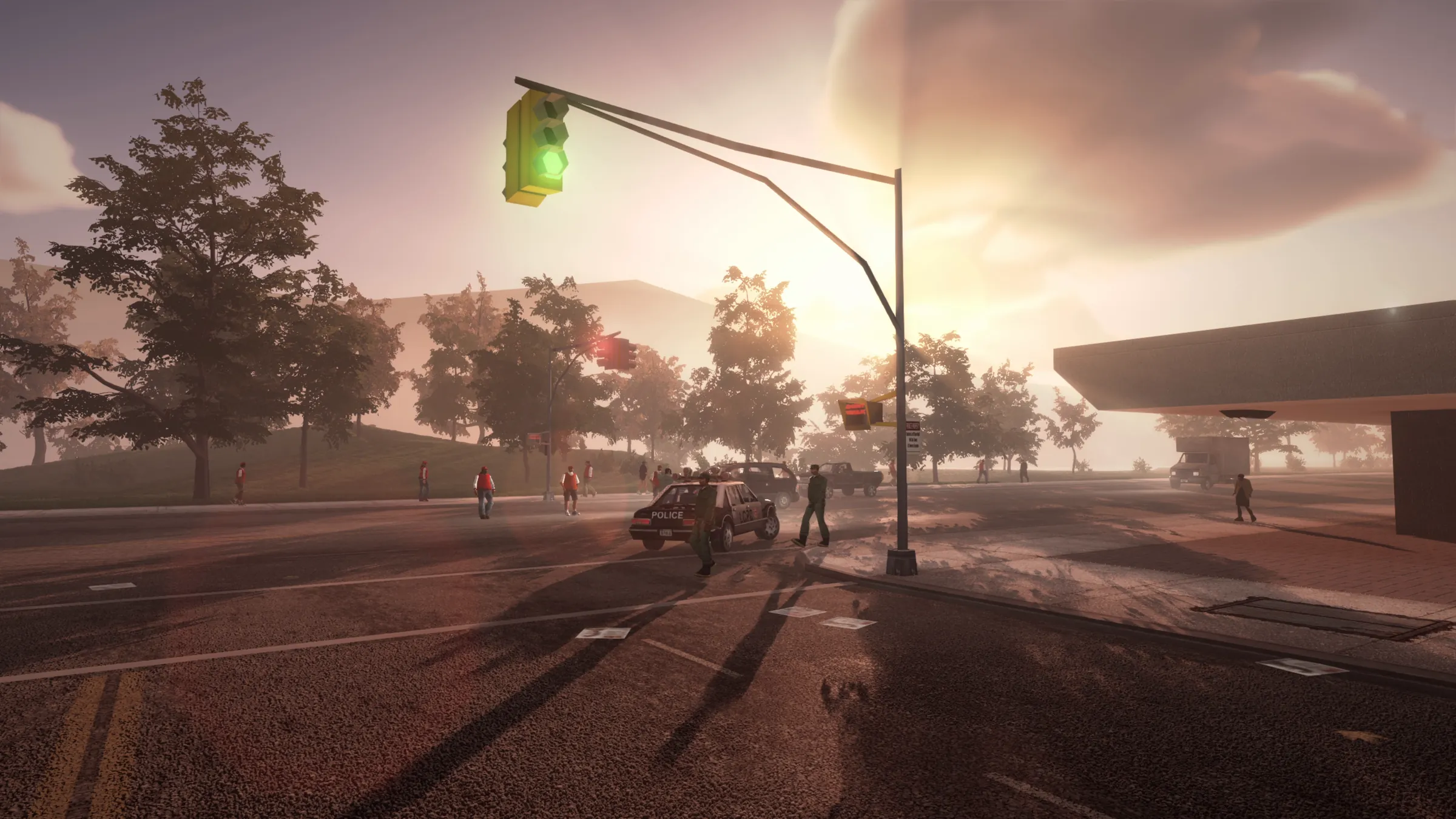
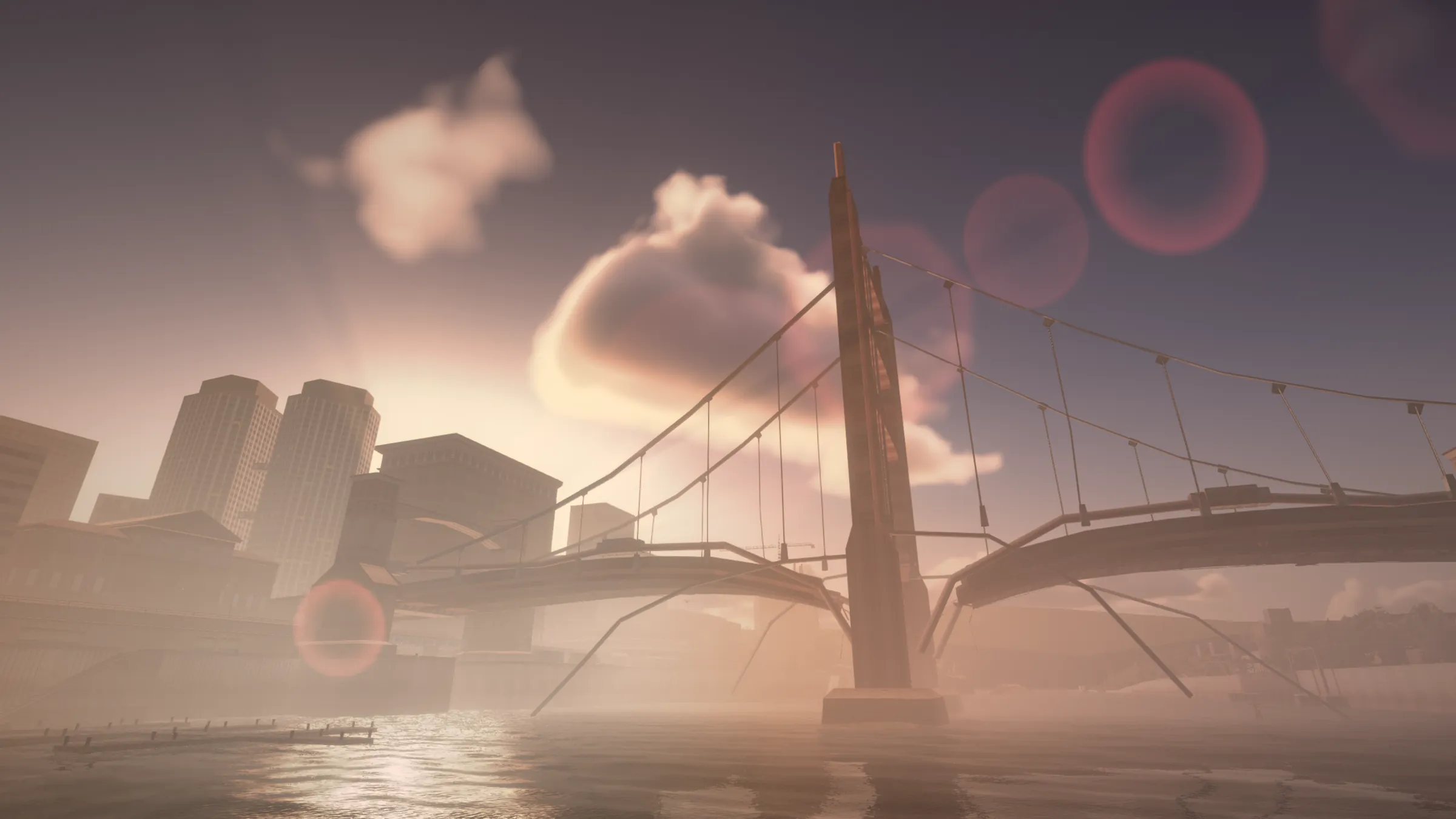
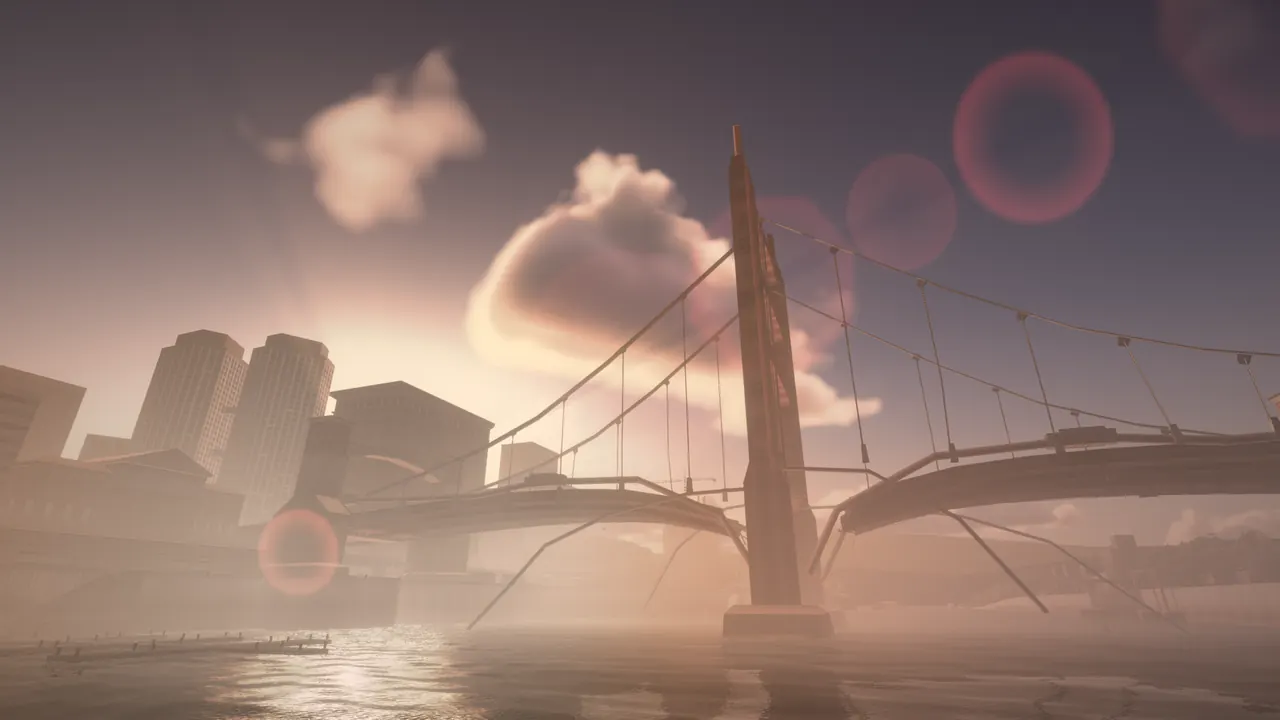
Volumetric clouds lit by a low sun over a bridge across the river, flares on the lens

Sky and weather

  • A sky dome computed from the position of the sun, not a texture
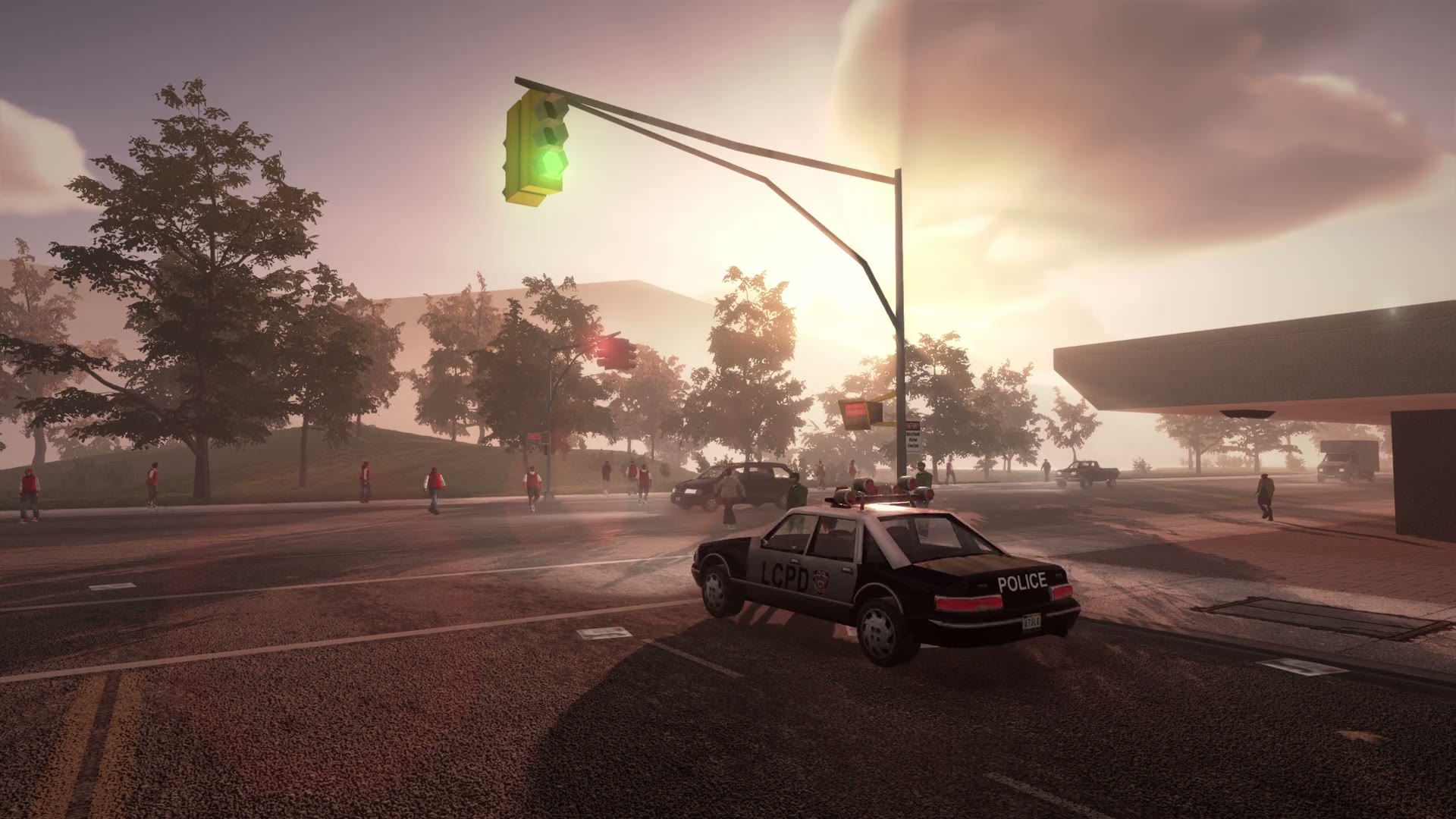
  • Golden hour: gold and peach around the low sun, violet on the far side of the sky
  • Volumetric clouds that change with the weather, lightning in storms
  • Sun, moon with phases, stars, and sun rays in the finished picture
  • Height fog that takes its colour from the sky, replacing the game's flat fog

Water, rain and reflections

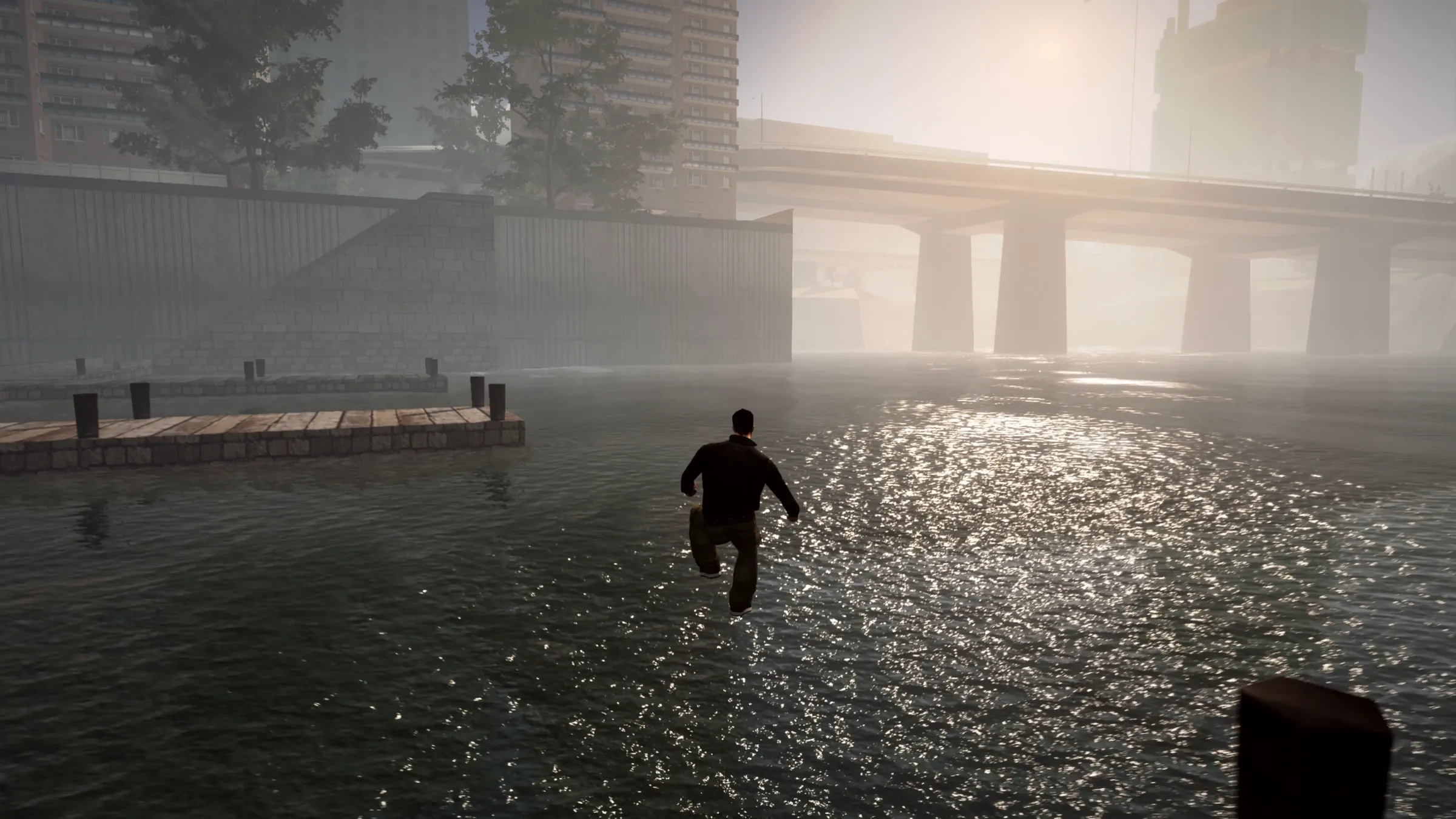
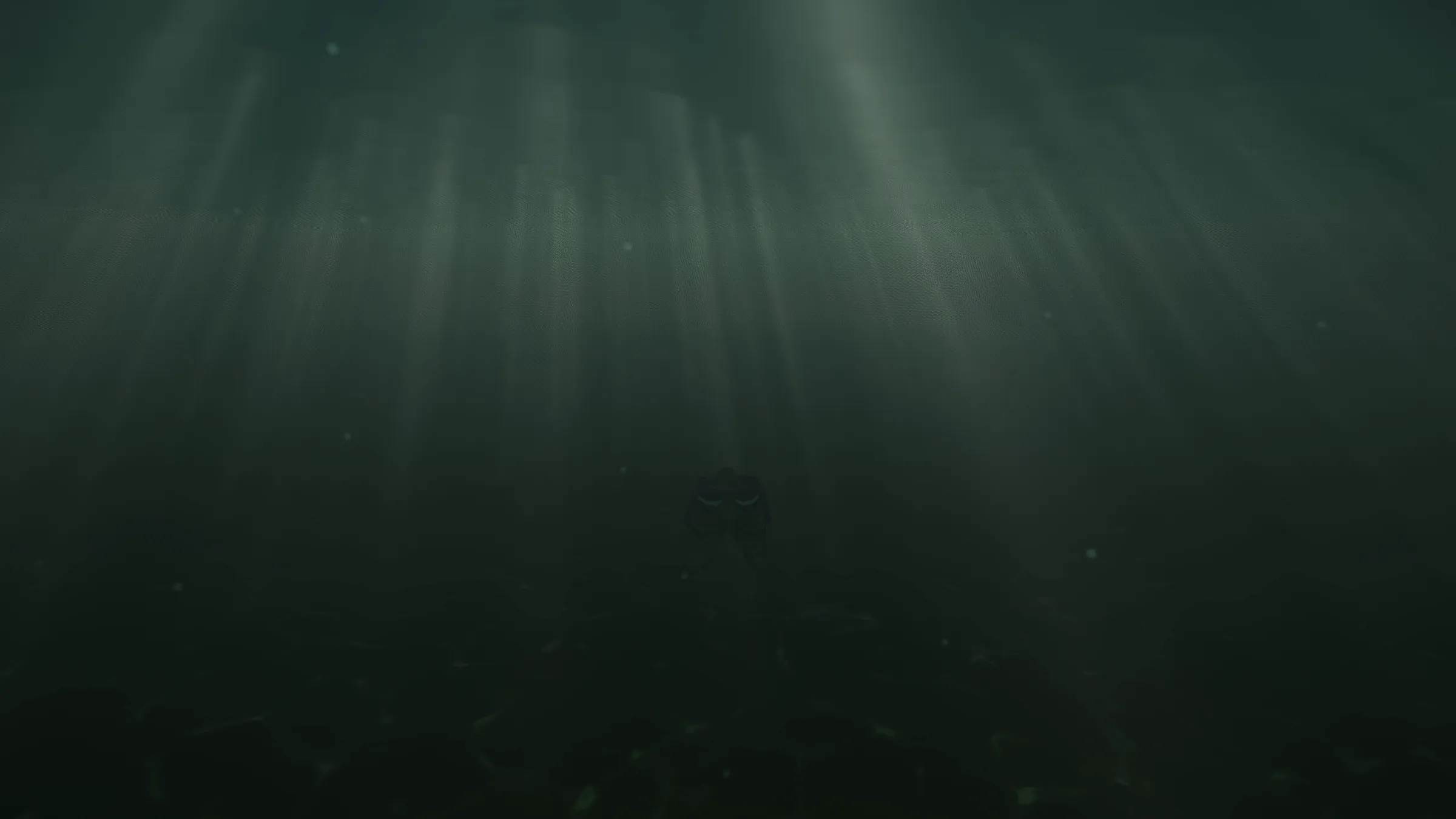
  • The sea replaced by a moving surface: waves, gloss, foam and murk, with caustics and refraction
  • Screen-space reflections, an environment cube and a mirror for water and wet roads
  • Wet roads and puddles that reflect the city and its lamps
  • Drops on the lens that really refract the picture behind them; water beading and running down car bodywork
  • Car paint as metallic flake under a clear coat; glass and chrome as their own materials

Tune it while you play

  • Press F11 and every effect is there: sky, lighting, PBR, shadows, reflections, water, fog, rain, post-process, wind and vegetation
  • Switch anything on or off, or drag a slider - the game changes as you watch
  • Trainer, Graphics and Scripts tabs, with a search box for every setting
  • A one-click default on every setting; settings save themselves

F11 panel

  • Trainer, Graphics and Scripts tabs, with a search box for every setting
  • A one-click default on every setting; settings save themselves

Picture

  • FXAA, SMAA and temporal anti-aliasing
  • FSR 1 upscaling and FSR 3 frame generation (off by default)

Trainer

  • Clock and weather control, vehicle spawner
  • Free camera on F6

Your lamps

  • An ini file to change the light of any lamp by its model name
  • A ready shader cache in the package - no long first start

Plays through the story

  • The mod runs in missions and cutscenes, from the very first one, Give Me Liberty
  • Cutscenes have their own settings in the panel, depth of field among them
  • Not every mission has been played through yet - if something looks wrong, report it
Made for the renderer

The content built to use it

Textures, vegetation, grass and gameplay scripts. Every part is optional - leave a folder out, or switch it off in the panel.

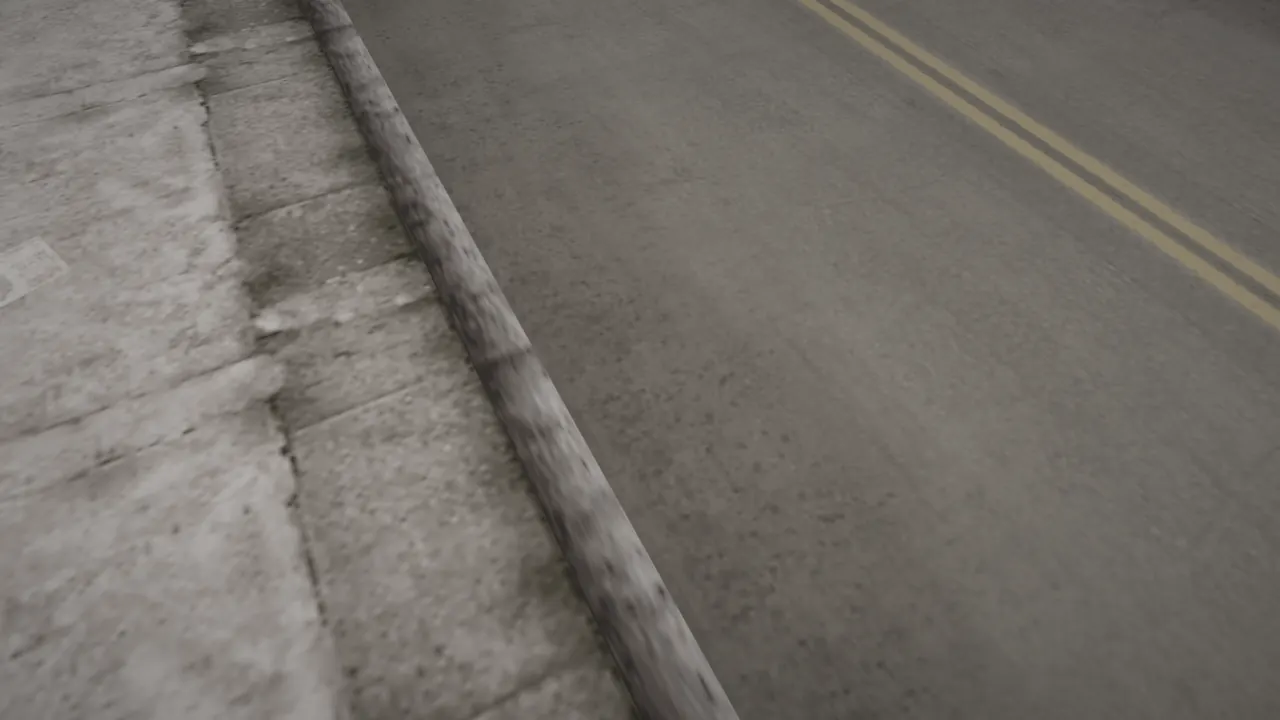
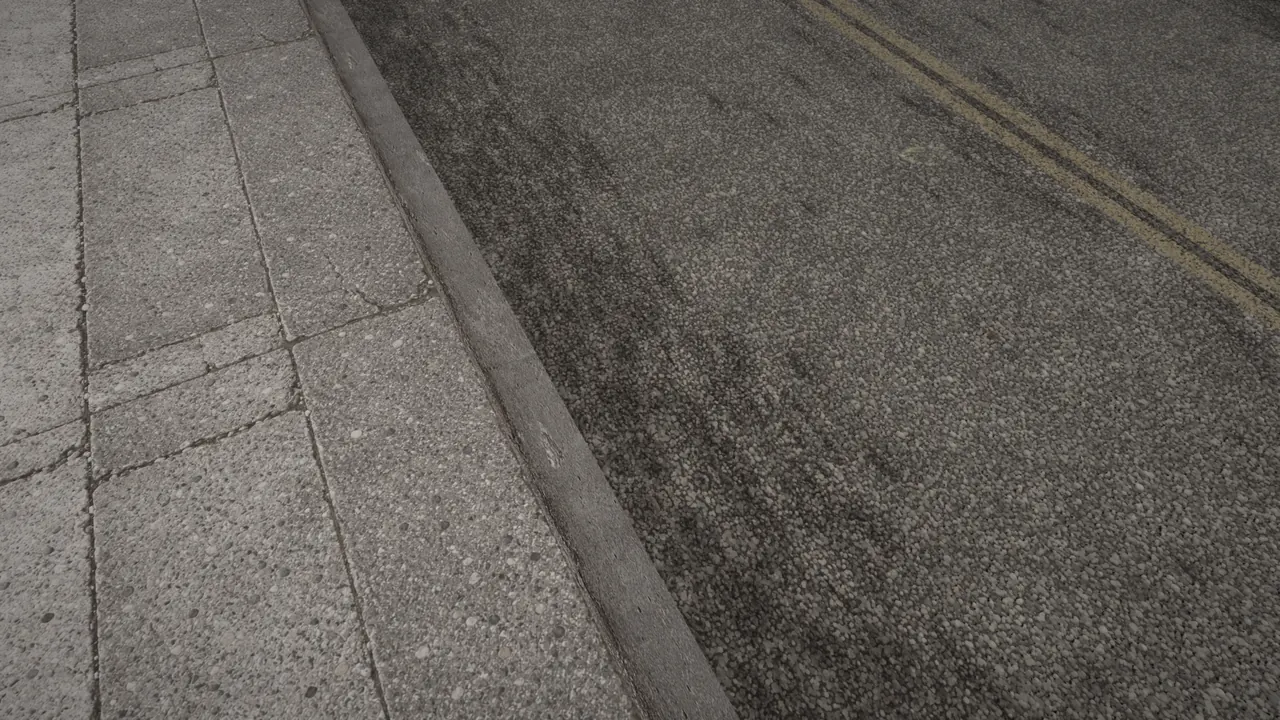
A kerb and road with the game's original textures: blurry and flat The same kerb and road with the texture pack: cracked paving slabs, a sharp kerb and asphalt with tyre marks Original Texture pack

Texture pack

  • 943 textures with relief, roughness and metal maps: roads, pavements, kerbs, walls, facades, brick, roofs, windows, gates, shutters, signs, posters, metal, wheels
  • Parallax depth with self-shadowing on the ground and on walls
  • Loaded by name from their own folder - no game archive is changed

3D vegetation and grass

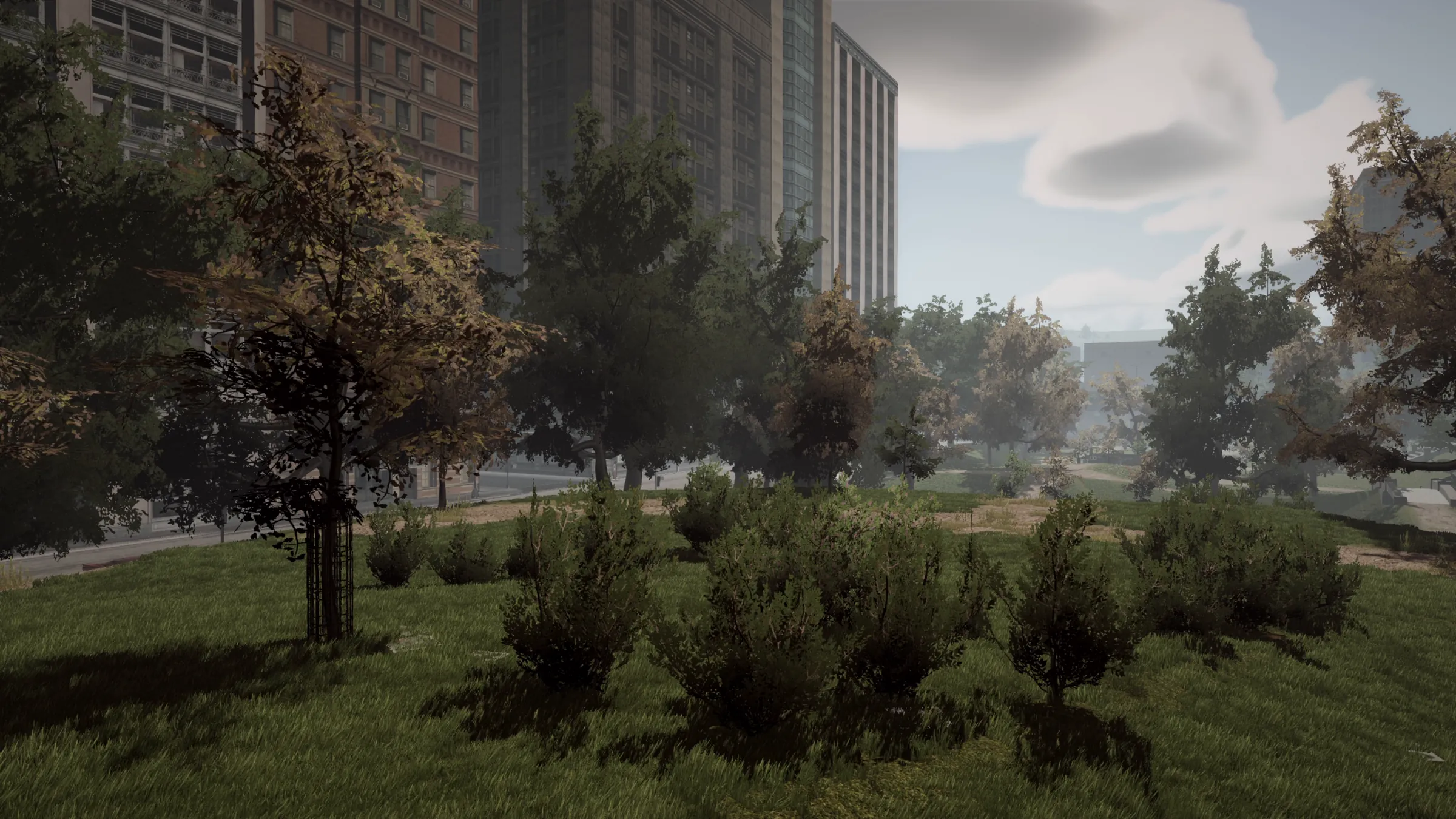
  • Flat tree and bush cards replaced by real 3D models: oaks, maples, pines, lilacs and bushes
  • They sway in the wind, cast shadows and reflect in the water
  • About 1,800 extra trees and bushes planted across the map
  • 3D grass on lawns and verges: about 15 million tufts in 17 kinds, moving in the wind and bending under the player

Gameplay scripts Experimental

  • Denser traffic and pedestrians, seen from further away
  • Swimming, wading, climbing and ragdolls, with their own sounds
  • Car damage: dents and wheels coming off - and nitro
  • All in one file, all set from F11 → Scripts

Vanilla Revamp Optional

  • 48 of the game's own cars, revamped: improved quality
  • Working lights - headlights, taillights and indicators (Z and X), hazards
  • License plates with randomized numbers
  • The Predator and Speeder boats, and rebuilt wheels with their own materials
In active development

This is the first release

ImmersiveIII starts here. Supporters get every update, and their feedback shapes what is built next.

These are plans, not promises: the order and the details can change.

Get ImmersiveIII

On Patreon and Ko-fi. One membership covers every Immersive mod: ImmersiveVC, ImmersiveIII and, when it is out, ImmersiveSA.

Early access

ImmersiveIII

The renderer and all of its content, with every update first. A free Lite edition is planned for later.

No subscription needed. One month is enough: download it, keep it forever, cancel any time. Stay if you want every update.

Membership on Patreon or Ko-fi

  • DirectX 11 renderer: shadows, sky, clouds, light beams, sea, reflections, rain
  • 943 PBR textures with relief and parallax
  • 3D vegetation and about 15 million tufts of 3D grass
  • Gameplay scripts and the optional Vanilla Revamp cars
  • The same membership includes ImmersiveVC Full, and ImmersiveSA when it is out
Same tiers on Patreon and Ko-fi. Already a member? Download ImmersiveIII on Patreon or Ko-fi.

Installing takes a minute

  1. Classic GTA IIIThe PC game, for example from Steam or the Rockstar Games Launcher.
  2. GTA III Essentials PackDownload it and drag and drop it into the game folder. It brings the version 1.0 executable and everything else the mod relies on.
  3. ImmersiveIIIDownload it on Patreon or Ko-fi and copy the contents of Main Files into the game folder, next to gta3.exe. Nothing original is overwritten.
  4. PlayStart the game and press F11 to open the settings.

Questions

Which version of the game do I need?

The classic GTA III for PC, at version 1.0, with the GTA III Essentials Pack installed. The pack brings the 1.0 executable, an ASI loader, Mod Loader, a widescreen fix, a frame limiter and bug fixes the mod relies on, so a copy from Steam or the Rockstar Games Launcher works. Nothing else is supported.

Does it work with the Definitive Edition?

No. ImmersiveIII is made only for the classic GTA III.

What do I need on my PC?

Windows 10 or 11 and any graphics card with DirectX 11. The runtime libraries the mod needs come in the package.

Is it compatible with other mods?

ImmersiveIII replaces the game's d3d8.dll, so any other mod or overlay that replaces the same file (d3d8to9, for example) cannot be used alongside it. If you already use another limit adjuster, keep only one. Found a conflict? Report it on Patreon or Ko-fi.

How do I get better performance?

The settings that save the most frames are Planar mirror, Shadow range, Casters per frame, Beam range, Volumetric light, Grass range and density, and Traffic - all in the F11 panel. The grass is the heaviest single part. Screen recorders and overlays that hook into the picture (NVIDIA Instant Replay, for example) can cause stutters.

Does it work in missions and cutscenes?

Yes. Cutscenes have their own settings in the panel, depth of field among them.

Is there anything I should know about this first release?

The added vegetation has no collisions yet, so you can walk and drive through it. The grass loads only when the game starts. Some script settings are already in the panel but do not do anything yet. Frame rate drops the most at night in heavy traffic.

Do I have to stay subscribed?

No. One month is enough: download ImmersiveIII, keep it forever and cancel whenever you like. Staying a member gets you every new update, and it is what keeps the mod in development. This is early access - the plan is for the whole mod to be free in the end.

Can I remove it?

Yes. Nothing original is overwritten. The readme lists every file and folder to delete.

Where do I report a bug or ask a question?

Send a message on Patreon or Ko-fi.

Requirements

GTA III version 1.0 and the GTA III Essentials Pack, on Windows 10 or 11 with a DirectX 11 graphics card. You need your own copy of the game.

Sharing

Do not reupload the mod or host it elsewhere - link to this page instead.

Legal

GTA III belongs to Rockstar Games. ImmersiveIII is a fan-made modification and is not affiliated with Rockstar Games. Third-party models and libraries are credited in the readme. Terms and legal notice